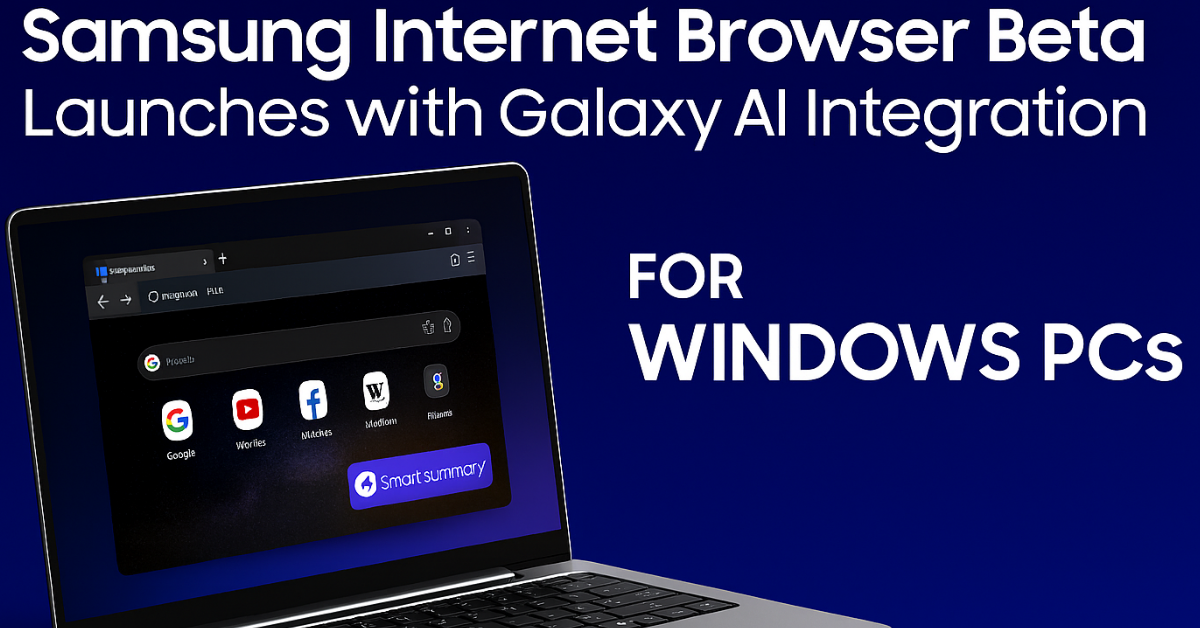
Samsung Internet Browser Beta for Windows PCs Launched with Galaxy AI Integration
If you’ve ever wished your browser could think with you, not just for you—Samsung just made that wish come true. On October 30, 2025, Samsung officially launched the Samsung Internet Browser Beta for Windows PCs, bringing its popular mobile browsing experience to desktops for the first time. And it’s not just a simple port—it’s powered by Galaxy AI, making it smarter, faster, and more connected than ever.
Whether you’re a Galaxy smartphone user or someone looking for a fresh, intelligent browsing experience, this beta release marks a major shift in how we interact with the web.

What Is Samsung Internet Browser for PC?
The Samsung Internet Browser Beta for Windows PCs is designed to offer a seamless cross-device experience, syncing your bookmarks, passwords, and browsing history between your Galaxy phone and your desktop. But what truly sets it apart is the integration of Galaxy AI, which introduces features like:
- Browsing Assist: Real-time webpage summaries and translations
- Ambient AI: Context-aware suggestions and adaptive browsing
- Smart Anti-Tracking: Enhanced privacy with live dashboard controls
- Samsung Pass Sync: Passwords and autofill data synced across devices
- Cross-Device Continuity: Pick up where you left off on any Galaxy device
This isn’t just another browser—it’s a gateway to Samsung’s AI-powered ecosystem.
Where Is It Available?
As of now, the Samsung Internet Browser Beta is available for:
- Windows 10 (version 1809 and above)
- Windows 11
- Users in the United States and South Korea
Samsung has confirmed that global rollout will follow soon, with expanded language support and regional features.
Why Galaxy AI Makes This Browser Special
The real star of this launch is Galaxy AI, Samsung’s proprietary artificial intelligence suite. In the browser, Galaxy AI enables:
- Real-time translation of foreign-language websites
- Summarization of long articles for quick reading
- Contextual suggestions based on browsing behavior
- Adaptive interface that learns user preferences
- Privacy-first design that blocks trackers and protects data
This makes the browser not just functional, but intelligent and personalized.
How to Download and Use the Beta
To try the Samsung Internet Browser Beta:
- Visit Samsung’s official beta page or trusted tech portals
- Download the installer for Windows 10/11
- Sign in with your Samsung account to enable sync features
- Explore the Browsing Assist and Galaxy AI dashboard
- Connect your Galaxy phone for cross-device continuity
The installation is lightweight, and the interface is clean, with familiar Samsung design elements.
What Users Are Saying
Early adopters are praising the browser’s:
- Speed and responsiveness
- Minimalist design
- AI-powered summaries and translations
- Privacy controls that are easy to manage
- Smooth sync with Galaxy phones and tablets
Some users even say it’s a refreshing alternative to Chrome and Edge, especially for those already in the Samsung ecosystem.
Samsung’s Vision: A Smarter, Unified Web Experience
This launch is part of Samsung’s broader strategy to create a “Creative Operating System” across devices. By integrating AI into its browser, Samsung aims to:
- Reduce information overload
- Simplify cross-device workflows
- Protect user data with smart privacy tools
- Offer ambient intelligence that adapts to each user
It’s a bold move that positions Samsung Internet not just as a browser, but as a personalized AI platform.
Final Thoughts: A Browser That Understands You
The Samsung Internet Browser Beta for Windows PCs is more than just a new app—it’s a glimpse into the future of browsing. With Galaxy AI integration, it transforms how we read, search, and interact with the web. It’s fast, smart, and built for the way we live today—across devices, languages, and tasks.
If you’re ready to experience a browser that adapts to you, not the other way around, this beta is worth exploring.
Disclaimer
This article is based on publicly available news as of October 31, 2025. Features, availability, and performance may vary by region and device. Please refer to Samsung’s official website for the latest updates.